
Browser Extension
The Browser Extension gives admins and end users a faster way to request access, manage tasks, track app usage, discover Shadow IT, and support source-of-truth workflows from the browser. It replaces the earlier Browser Extension experience and brings the main workflows into one extension.
Home tab
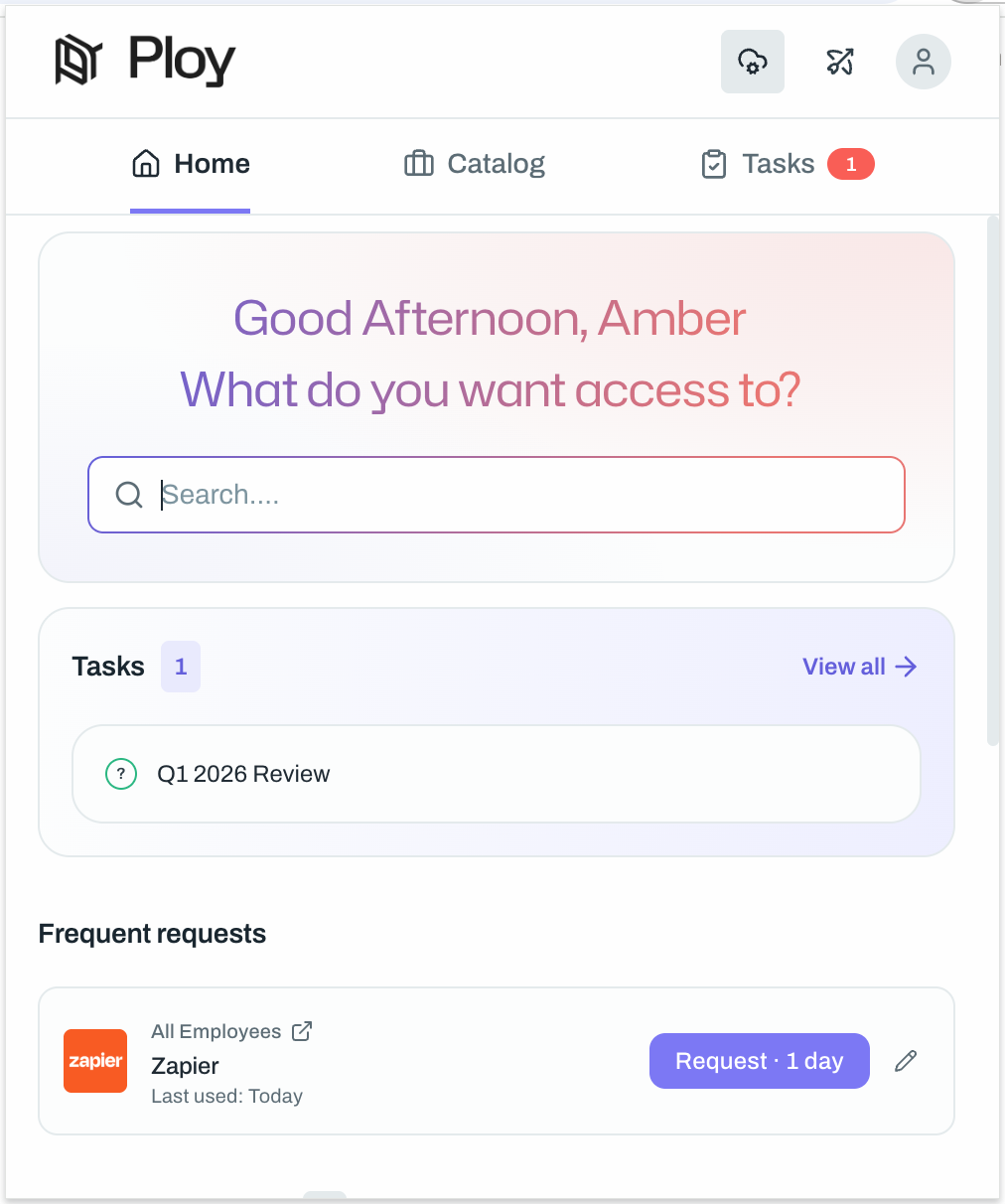
The Home tab gives users a quick view of common extension activity. Use it to jump into common requests and review access that is already active.
Frequent requests shows apps and access items you request often, so you can submit repeat requests faster without searching the full catalog.
Active access shows the access you currently have, which makes it easier to confirm what is already available and acts as a hub to access your used applications.
Request access and complete tasks
Use the Catalog tab to request access to apps and groups. Use Frequent requests to repeat common requests faster. Use Tasks to complete approvals and other actions assigned to you.
If the access item needs more information, choose a duration, add a reason, and submit the request.
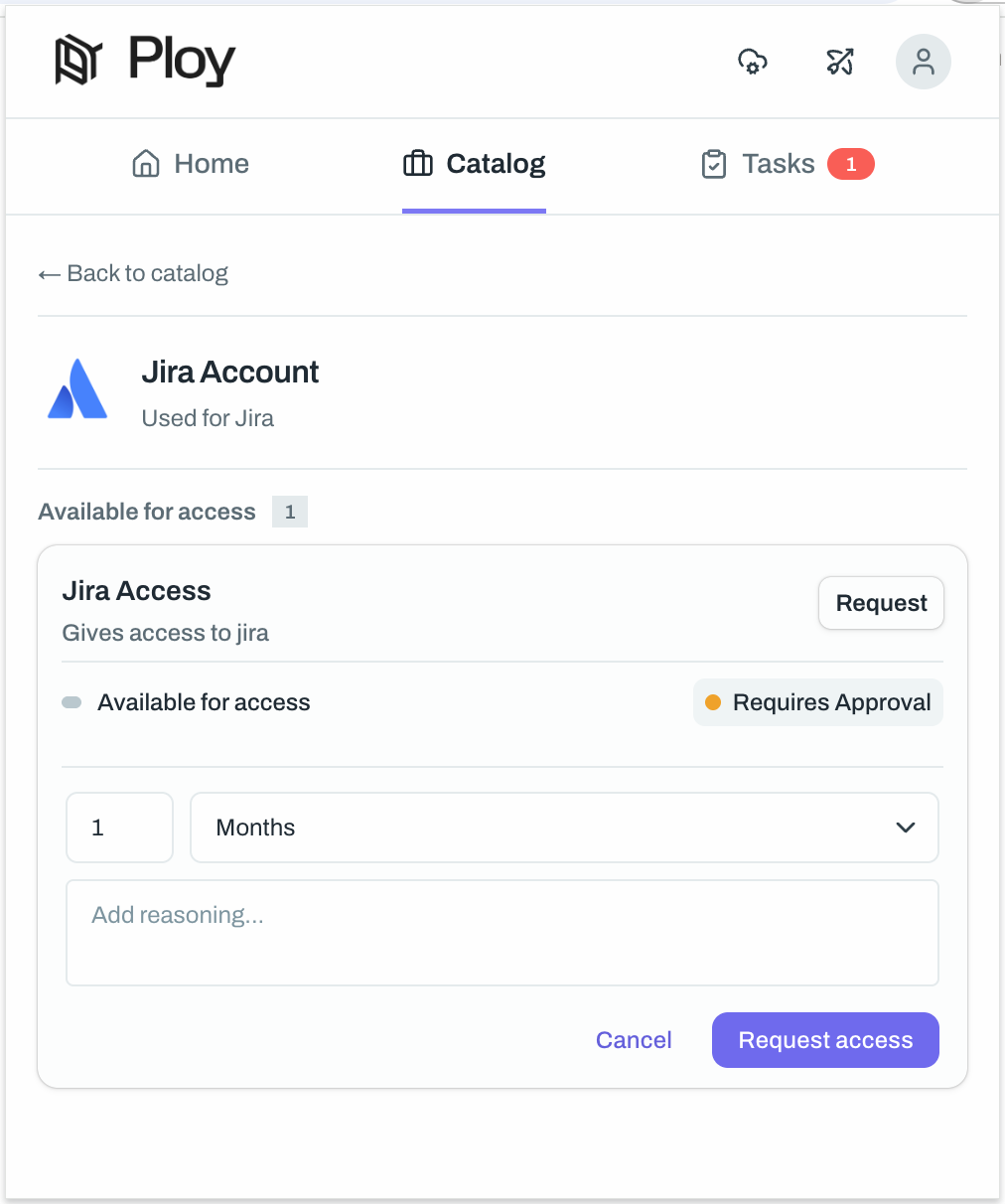
For the full request flow, see How to request access with the Browser extension.
Usage tracking
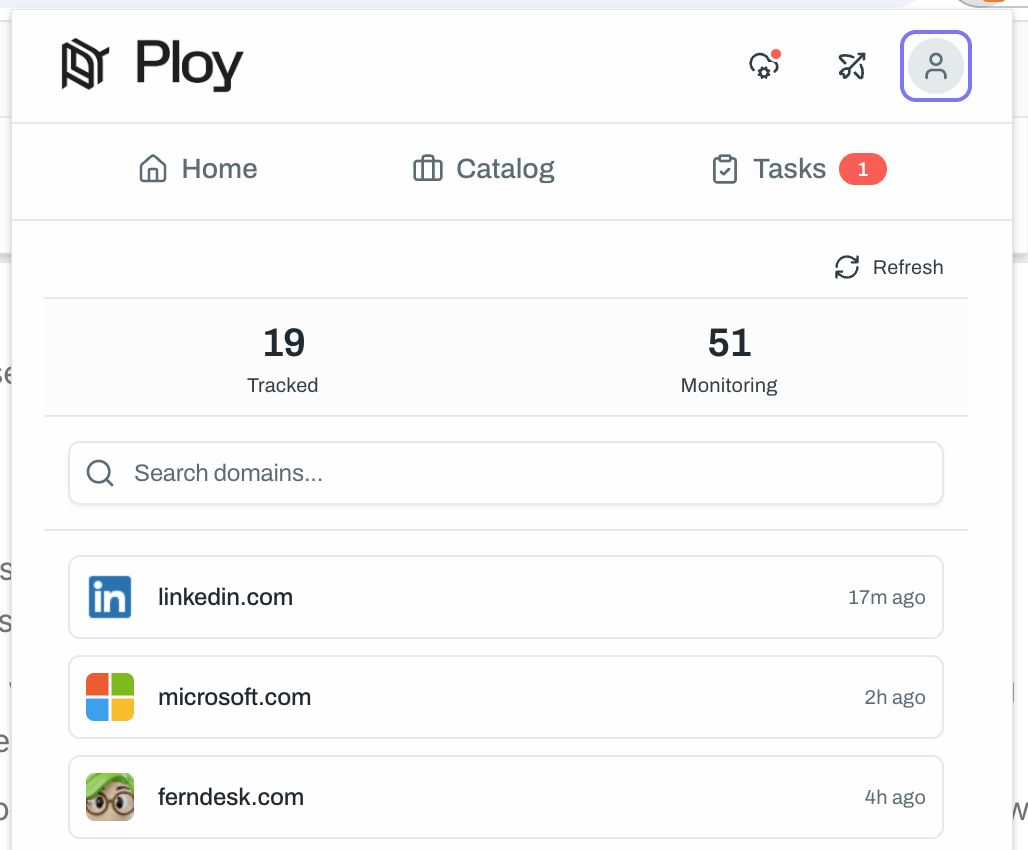
The Browser Extension also tracks application usage. This helps your team understand which apps are being used and supports cleaner access decisions.
Standard tracking applies when the extension is used by authorized users. Anonymous tracking can also be enabled in the portal config setting Anonymous Extension Access.
Users can click the profile icon then "Tracked domains" in the extension to view tracked usage activity when that view is available in your setup.
Discover and control app access
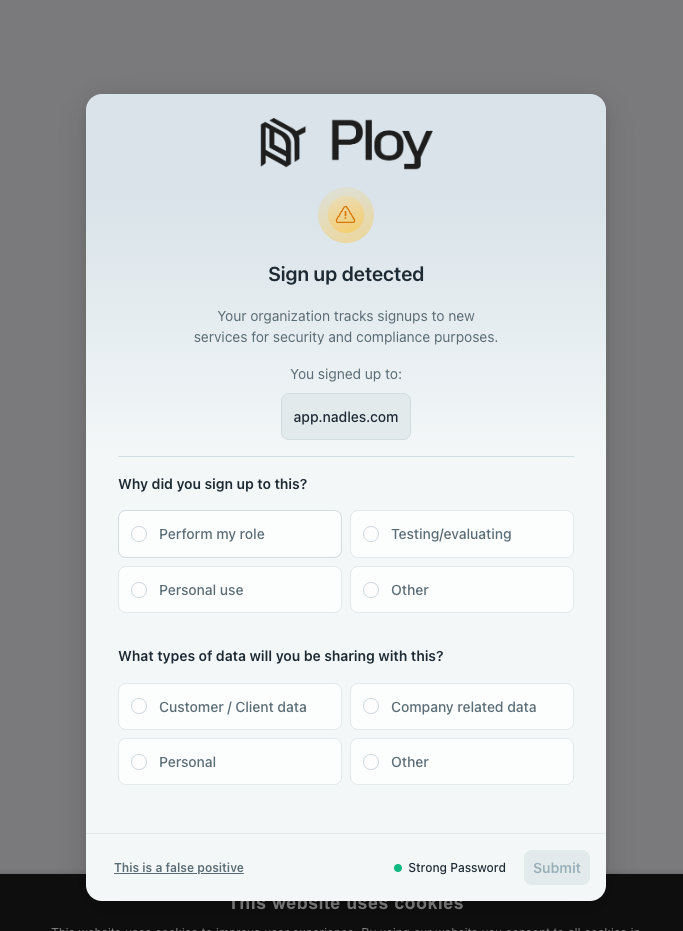
The extension supports Shadow IT detection and can help teams understand new app usage. It also supports blocking workflows for applications where your team wants stronger control.
Source of truth
Admins can set up an application source of truth as the Browser Extension, and use the Extension while viewing an application's user page to import users into Ploy. This supports scrape-based source-of-truth setup and keeps application data closer to the source.
To set up scrape functionality, see Set up scrape functionality with Browser Extension v2.