
Slack (Business+)
You'll need admin access to both Ploy and your Slack workspace. This guide is for Business+ plans.
Click Add new integration
Type Slack in the search bar
Click Connect on the Slack integration card
Click Start
Fill in the details
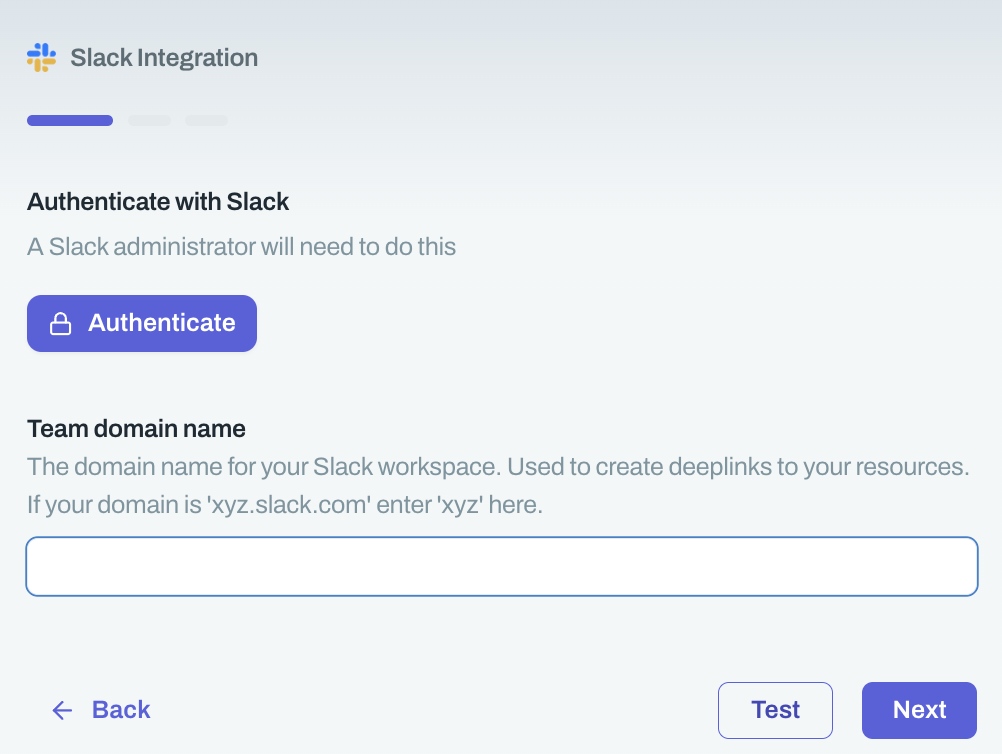
Click Authenticate
Select the correct Slack workspace when prompted
After authentication completes, click Next
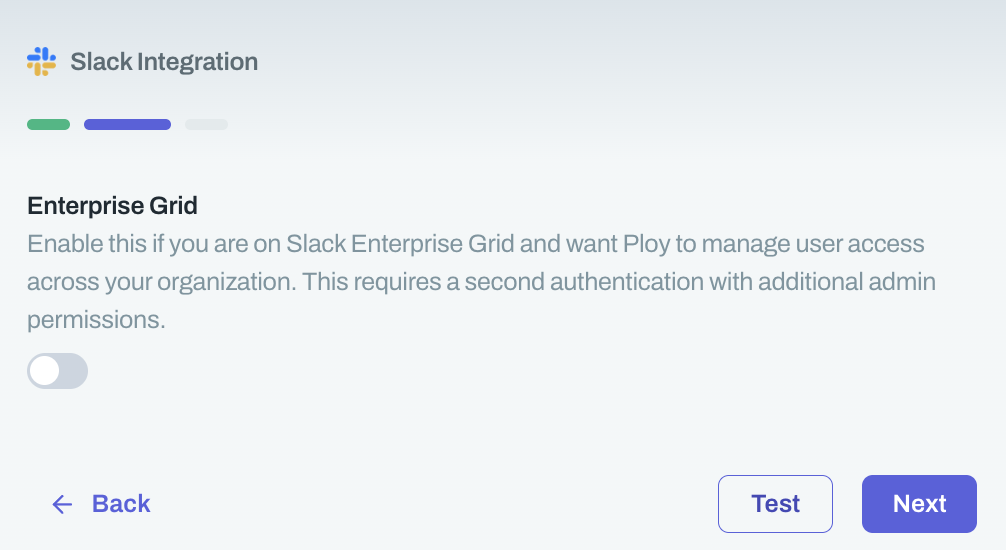
Do not toggle Enterprise Grid if you're on Business+
Enter a Connection Name (e.g., "Ploy Slack Connection")
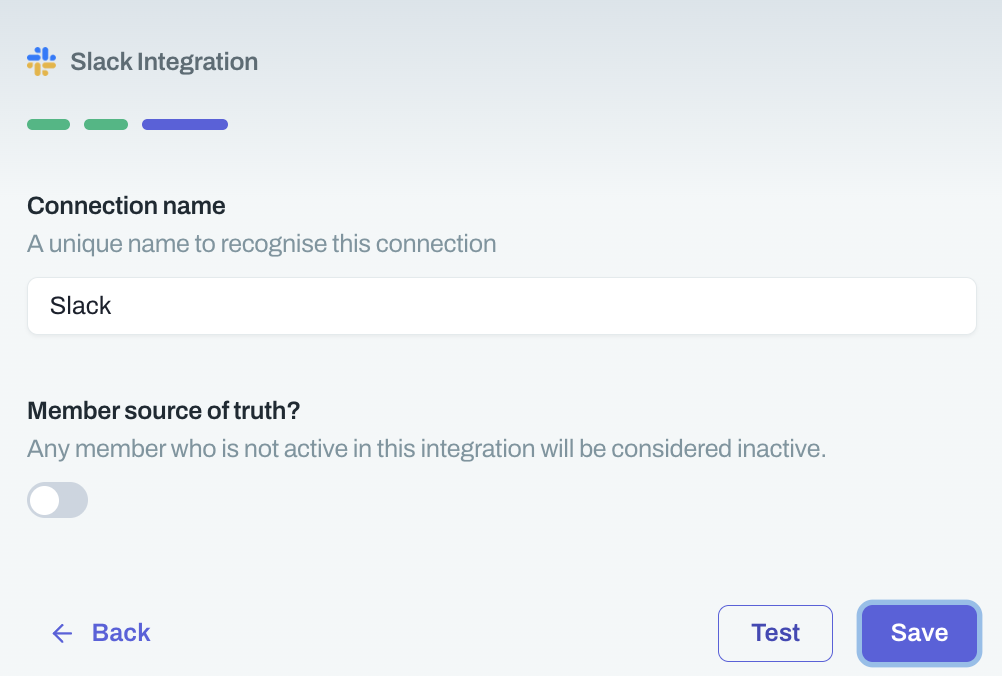
Click Save
Was this helpful?