
Profiles
Profiles let you group employees dynamically based on any combination of attributes—going beyond traditional role-based access control. Instead of rigid roles like "Engineers get X," you can define precise conditions like "Active, full-time engineers with MFA enabled who already have GitHub access."
Use profiles to target cohorts for access policies, onboarding workflows, access catalogs, and automated provisioning. Membership updates automatically as attributes change—no manual maintenance required.
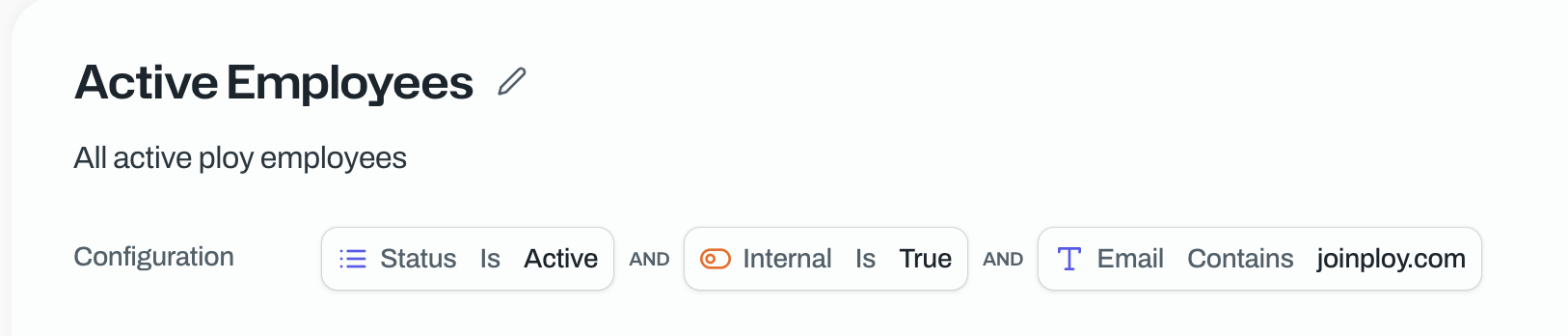
Before you begin: You need profile:write permission to create profiles.
Create a profile
Navigate to Profiles in your dashboard.
Click Create profile.
Enter a unique Name and optional Description.
Build your filter criteria:
Choose an AND or OR operator at the top level.
Add conditions by selecting a field, operator, and value (e.g.,
Department is Sales).Add nested groups for complex logic or include other profiles (e.g.,
Profile in Active Employees).
You will automatically see a preview appear below to see matching members.
Click Save to create the profile.
Your profile now resolves membership automatically based on the filters you configured.
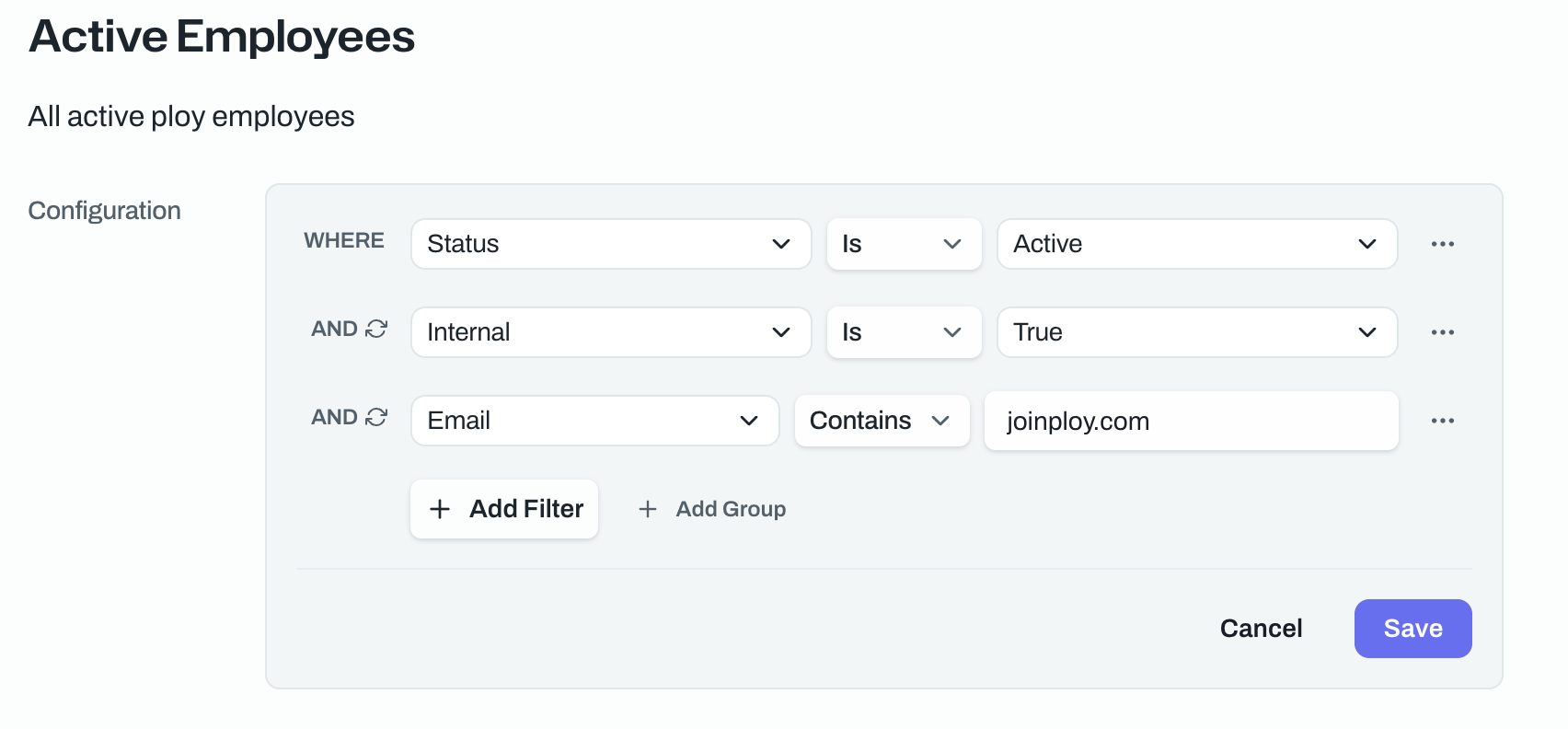
Filter options
Available fields include:
Member attributes: Department, manager status, employment status
Identity attributes: MFA status, identity provider
Access attributes: Access to specific apps or resources
Profile composition: Membership in other profiles or groups
Operators vary by field type (equals, contains, is one of, before/after for dates, etc.).
Profiles update automatically as your organization changes. No need to manually add or remove members.