
Suggested removals and expiring access
When a policy is set to Suggest only, Ploy never takes access away on its own. It puts the removal in a queue and waits for you. Separately, Ploy lists access that is about to lapse so you can extend it before it goes. This article covers both queues and the decisions they ask of you.
Where the queues appear
Queue | Where to find it |
|---|---|
Suggested removals | The Suggested removals panel on the Overview tab, with Review all. The Access tab, which carries a red count badge while anything is undecided. The Suggested removals tab inside a policy's drawer. |
Expiring soon | The Expiring soon panel on the Overview tab, with View all. The Access tab, on its second view. |
Every one of these places reads the same queue, so a decision you make in one is reflected everywhere.
Deciding a suggested removal
Open the queue from any of the places above. Rows are grouped by the reason they appeared, then by app.
Read the row. It names the person and the app or entitlement, and the policy the suggestion came from.
Decide it inline. ✗ keeps the access. ✓ removes it.
To decide several at once, use the select-all tick, then Keep N or Remove N.
Inside a policy drawer, the helper line above the queue tells you why these people are listed. For a deny policy it reads "These people hold access this policy forbids." For a granting policy it reads "These people got this access through this policy and no longer match it."
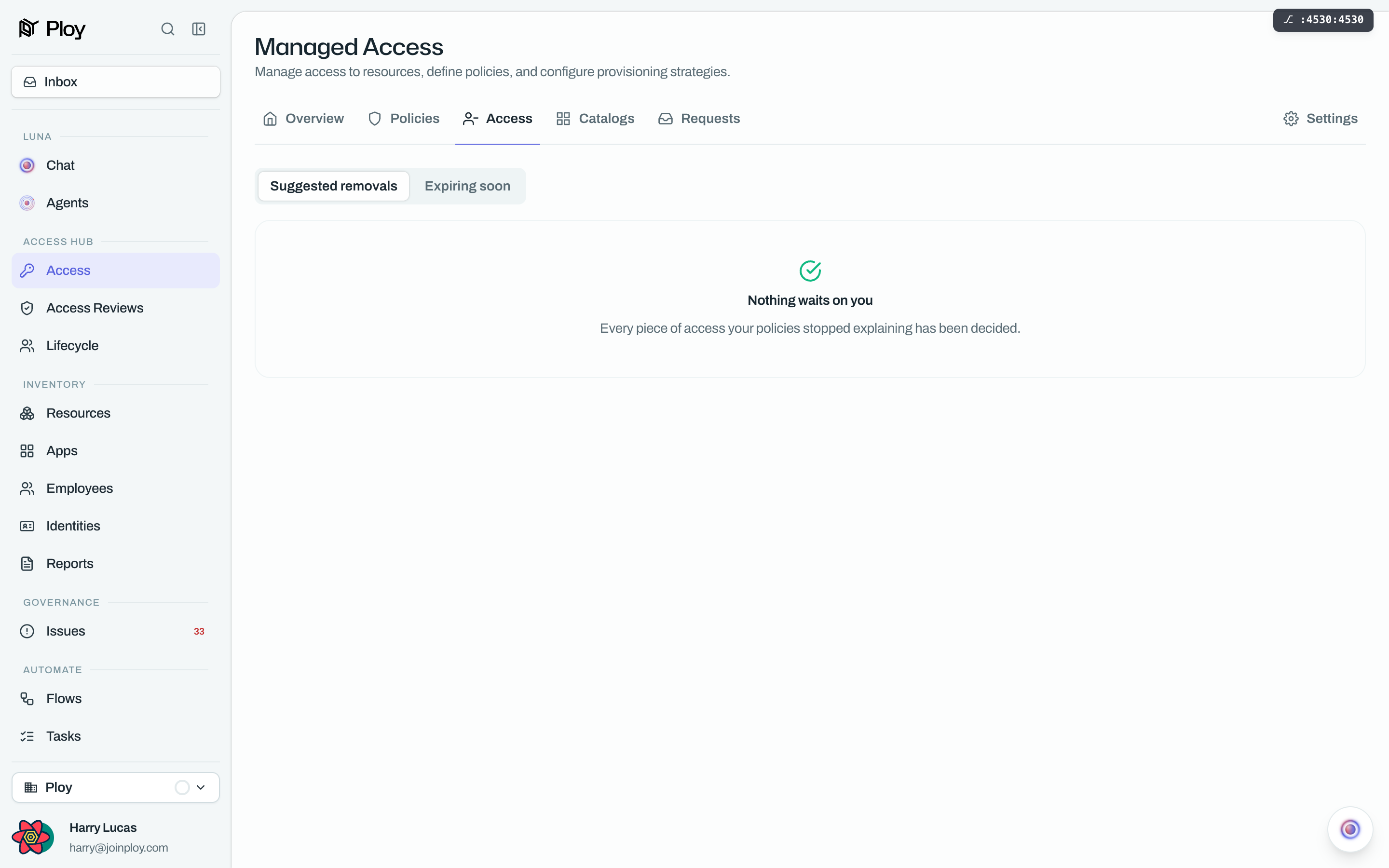
When the queue is clear, you see "Nothing waits on you. Every removal your policies suggested has been decided." in the panel, or "Nobody is waiting on a decision." in the drawer.
Deciding expiring access
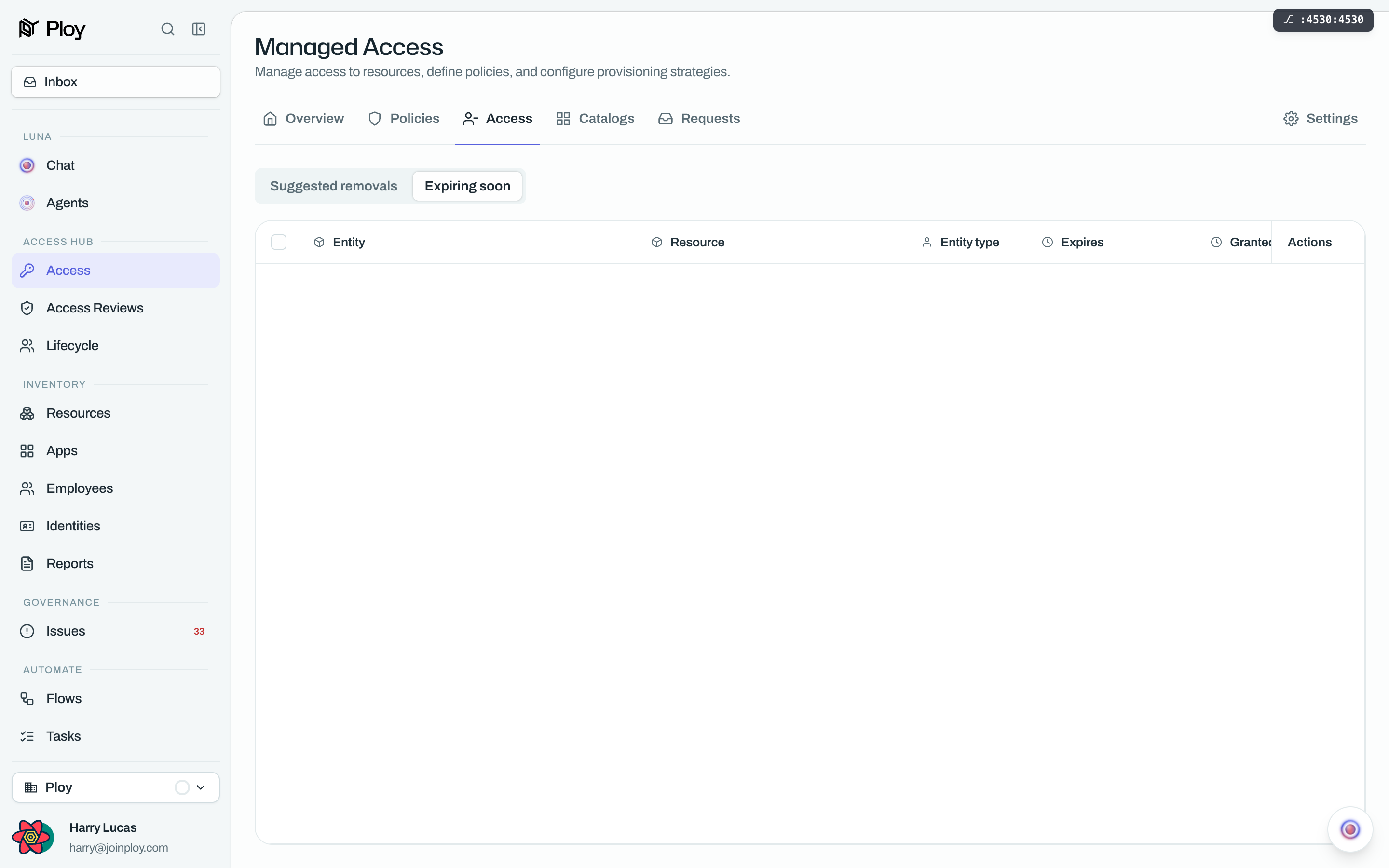
The Expiring soon list covers access lapsing within the next 14 days. Each row shows the person, the app and a countdown. Two inline actions decide it:
Extend keeps the access and pushes the expiry out.
Let expire leaves it to lapse on its date.
If nothing is close to lapsing you see "Nothing expires in the next 14 days."
Good to know
Only Suggest only policies queue anything. A policy set to Auto-suspend or Auto-revoke acts by itself and never asks. On a Remove when unused policy the equivalent pair is Suggest removal, which queues, and Remove automatically, which does not.
Three things put a row in the removals queue: someone holds access a Never gets policy forbids, someone got access from a Gets policy and no longer matches it, or a Remove when unused policy found access nobody has touched for its threshold number of days. The builder's default threshold is 60 days.
Keeping access is a decision, not a deferral. Choosing ✗ takes the row off the queue. It does not create a permanent exemption for that person, so if the policy still disagrees with reality later, the suggestion can come back.
"Suggested removals" and "Removed" are different things. The Removed tab in a policy drawer is a read-only history of access that policy already took away. It has no tick boxes and no ✗ or ✓ buttons.
A removal that has already happened is not an error. If the access is gone by the time you confirm, Ploy tells you there is nothing left to remove rather than failing.
If the panel cannot load, nothing has changed. The error reads "Couldn't load the suggested removals. Nobody's access changed."