
Slack (Enterprise+)
This guide covers setting up Ploy's Slack integration for Enterprise+ Slack tier users.
Before you begin: You'll need admin access to both Ploy and your Slack workspace, and a Slack Enterprise+ subscription.
Navigate to Ploy's integration page: https://app.joinploy.com/integrations
Click Add new integration
Type slack into the search bar
Click Connect on the Slack integration
Click Start
Enter your Slack workspace information and click Authenticate
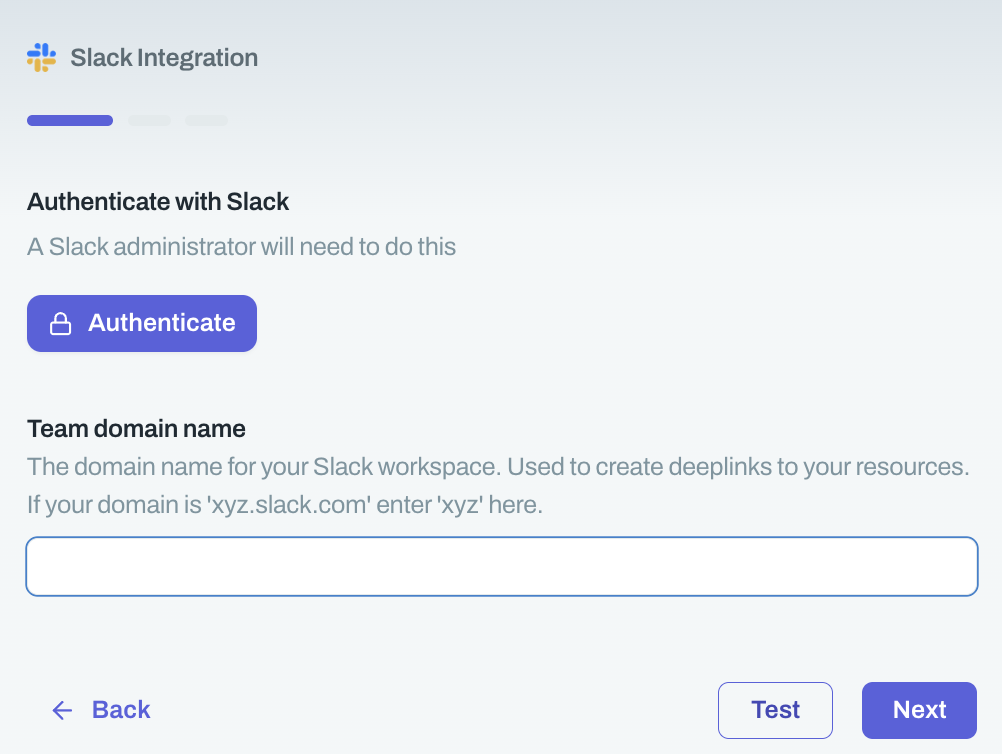
Once authenticated, click Next
Toggle Enterprise Grid on (required for Enterprise+ tier)
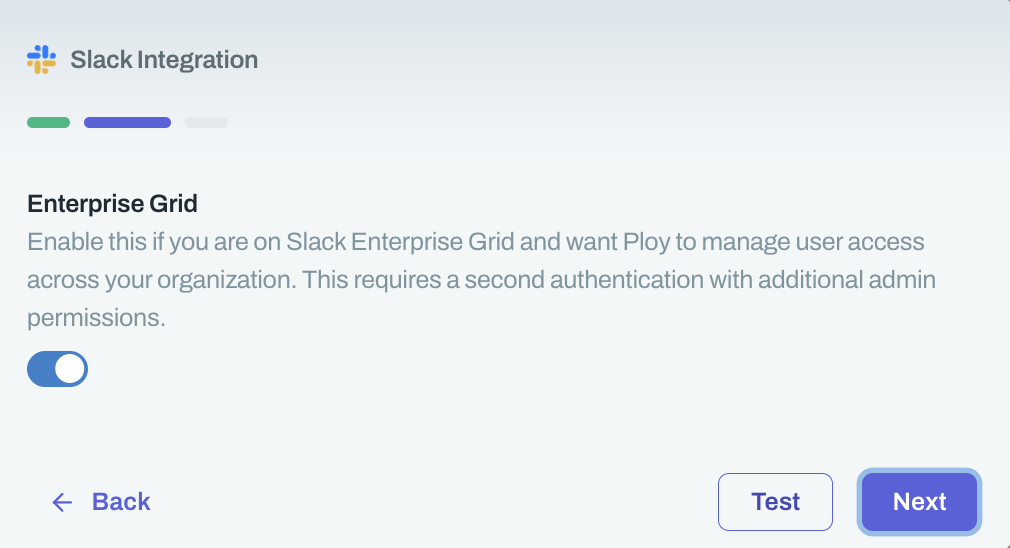
Click Next, then click Authenticate
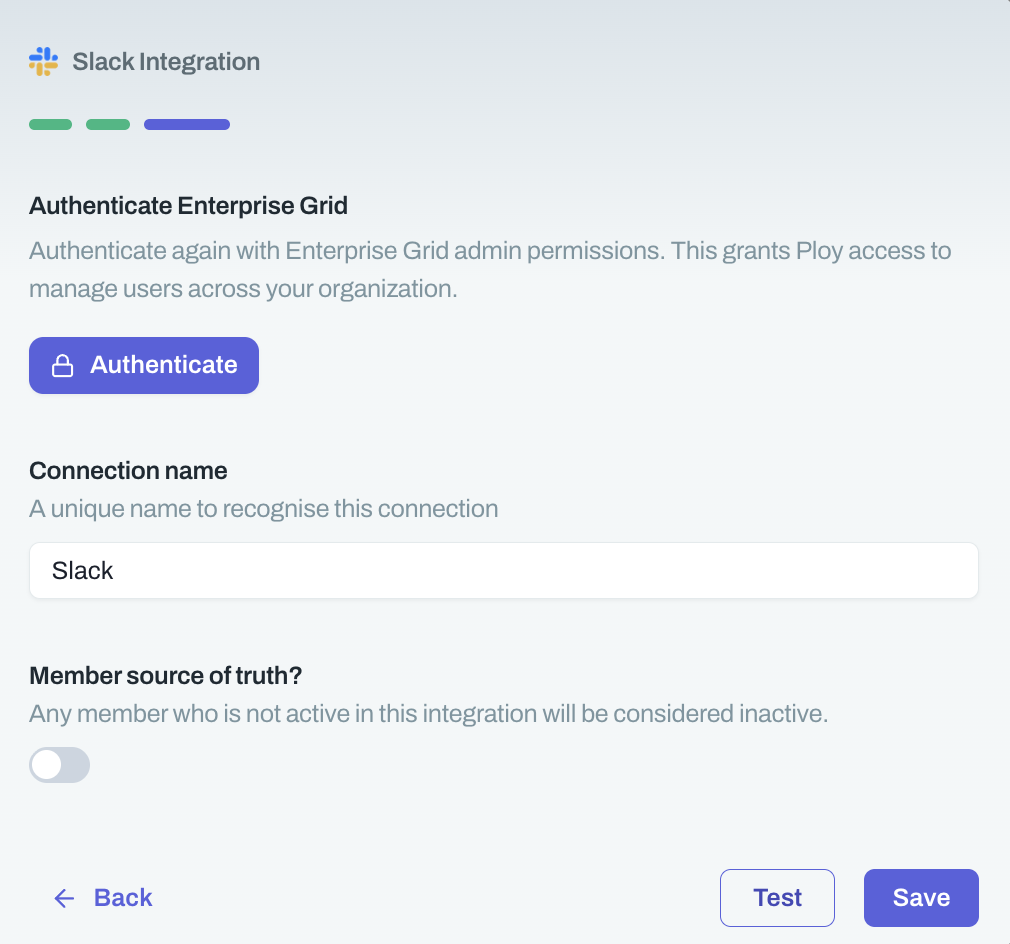
Visit this page for the steps required in Slack
Choose a name for this integration
This is what your employees will see, so name it something like "MyCompany SaaS manager" to make it look like an internal bot.
Click Save
Your Slack integration is now active. Employees can request access to apps and manage permissions directly from Slack.